Installation
Backend installation
Pre-requisites
Install the following before proceeding
1. Install docker See Docker installation
Install docker-compose
sudo apt install docker-compose
Install git
sudo apt install git
Clone the backend repository
git clone -b main --depth 1 https://github.com/e3tools/participatory-backend.git participatory_backend
Installation via Docker
cd participatory_backend
docker compose -f docker-compose.yml up -d --build
Wait for about 5 minutes and then open a browser and type http://<SERVER_IP>. You should see a login screen
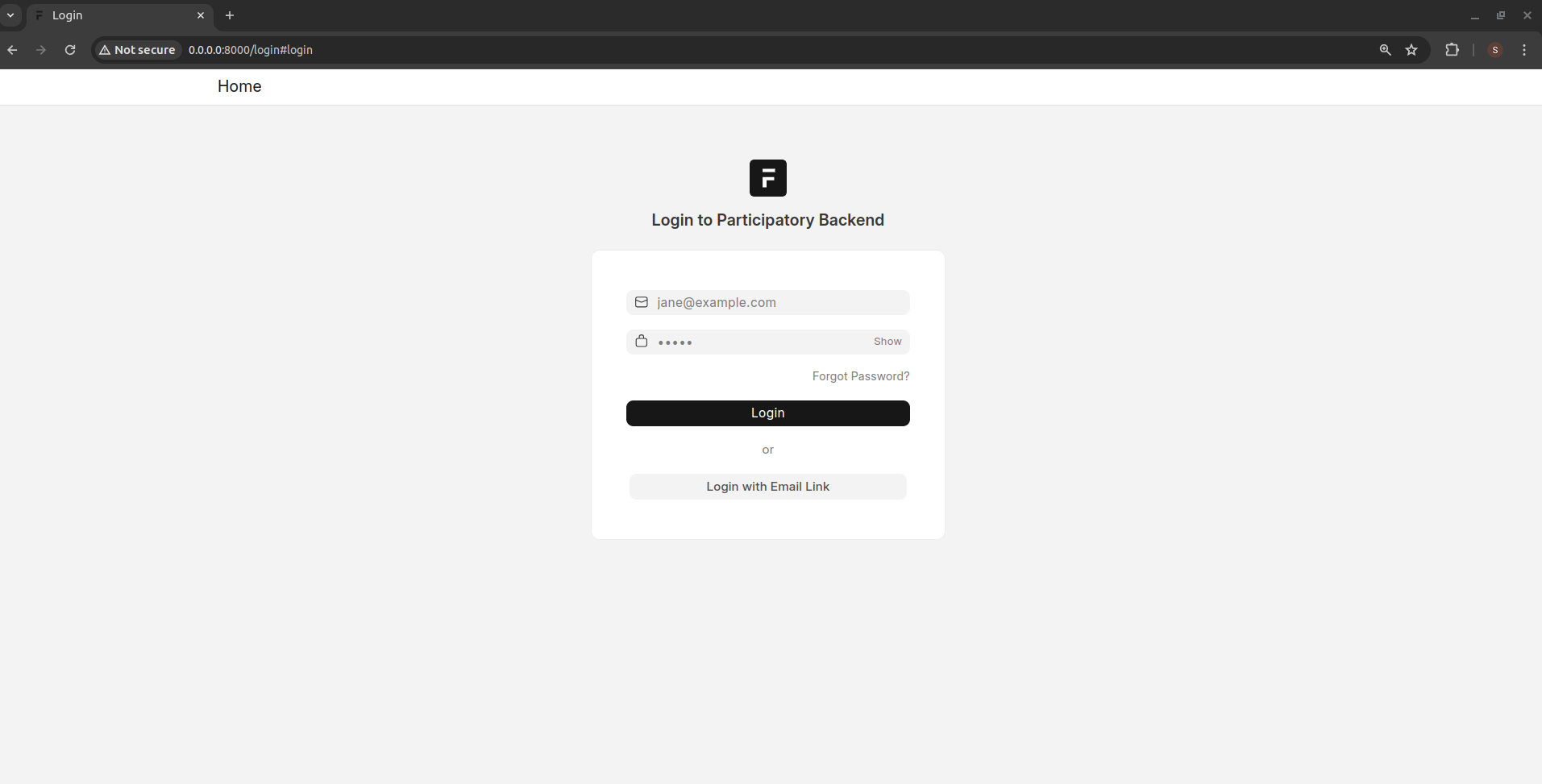
Enter the following credentials:
Username: admin
Password: admin
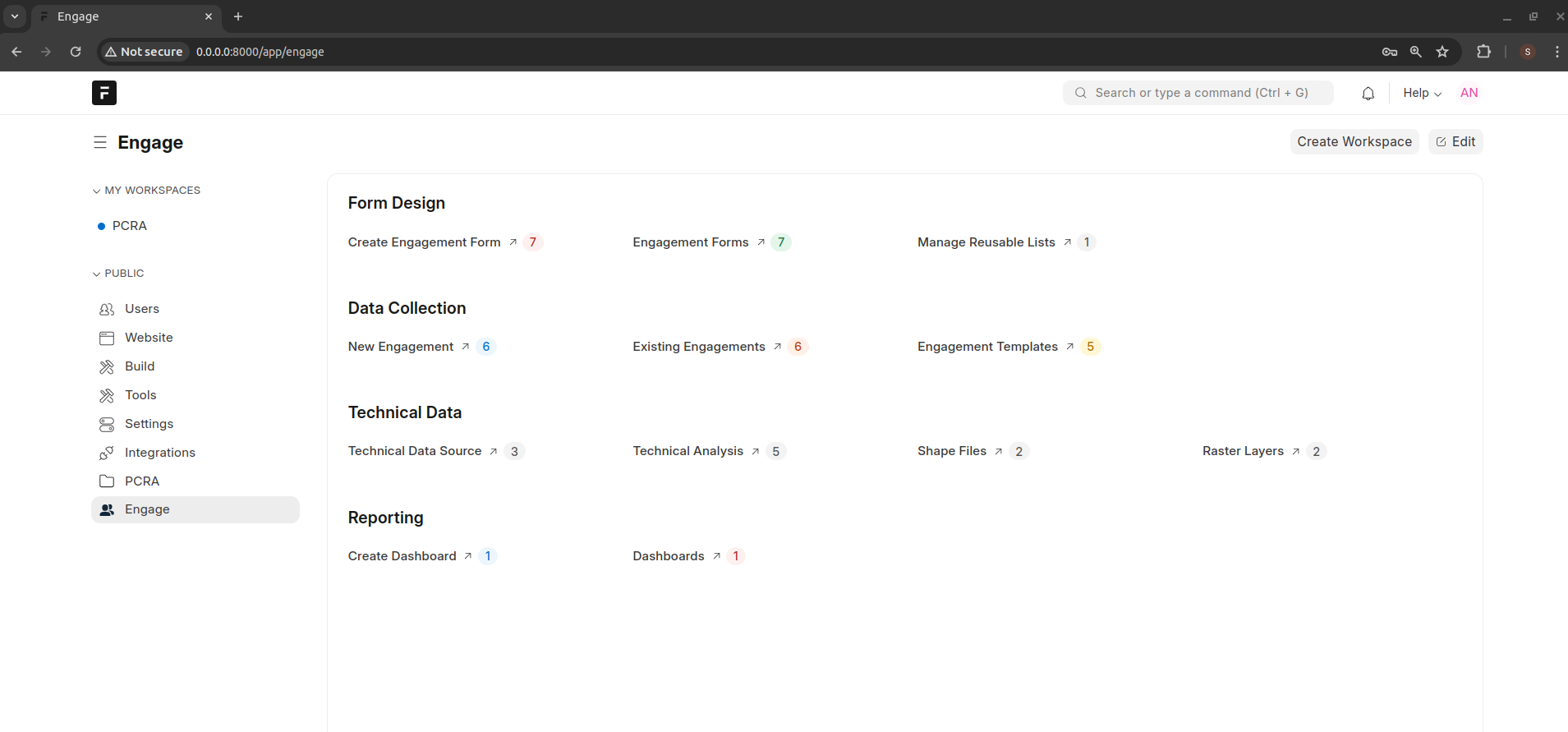
After logging in, click the Engage link on the left side of the menu to load the following page